Motion Recording and Playback with Arm in Sim
Simulate a robotic arm, use IK, and record and playback motion.
This tutorial covers:
- Launching a simulation of a robotic arm
- Starting Inverse Kinematics (IK)
- Manipulating the arm and end effector
- Motion recording and playback
Prerequisite: Complete the Launching the simulator with a robot tutorial.
Steps
-
Log in to the OLO platform at https://app.olo-robotics.com/.
-
Click Launch Sim in the top right.
-
Select the Office Environment world and click Next.
-
Select one of the available robotic arms and click Next.
-
Select the gripper and, if you like, the wrist and scene cameras. Click Next.
-
When the simulation has loaded, you will see the world and robot arm you chose.
-
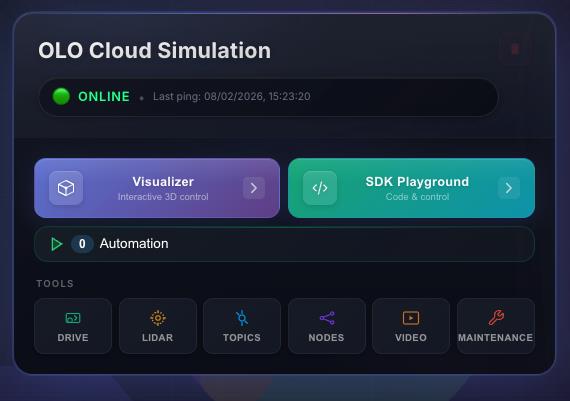
The main robot menu panel will appear next to the sim window on the OLO dashboard.
-
Open the Visualizer by clicking its button.
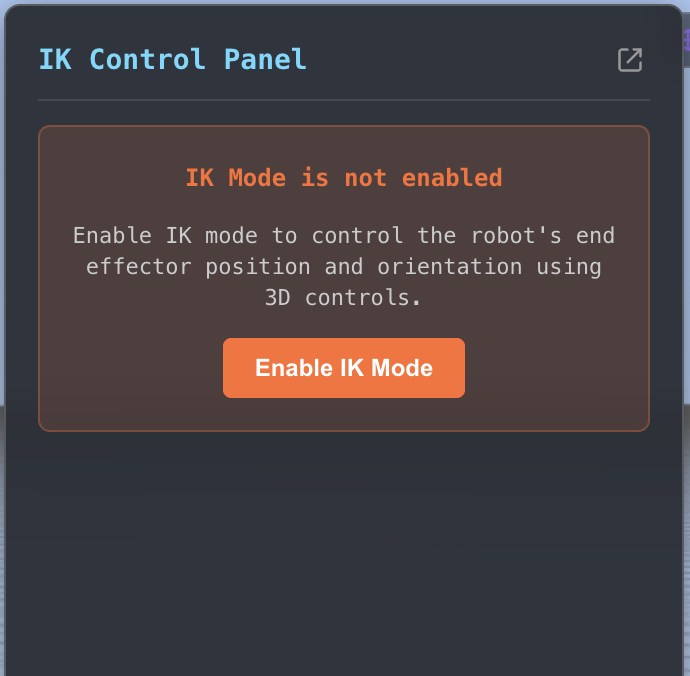
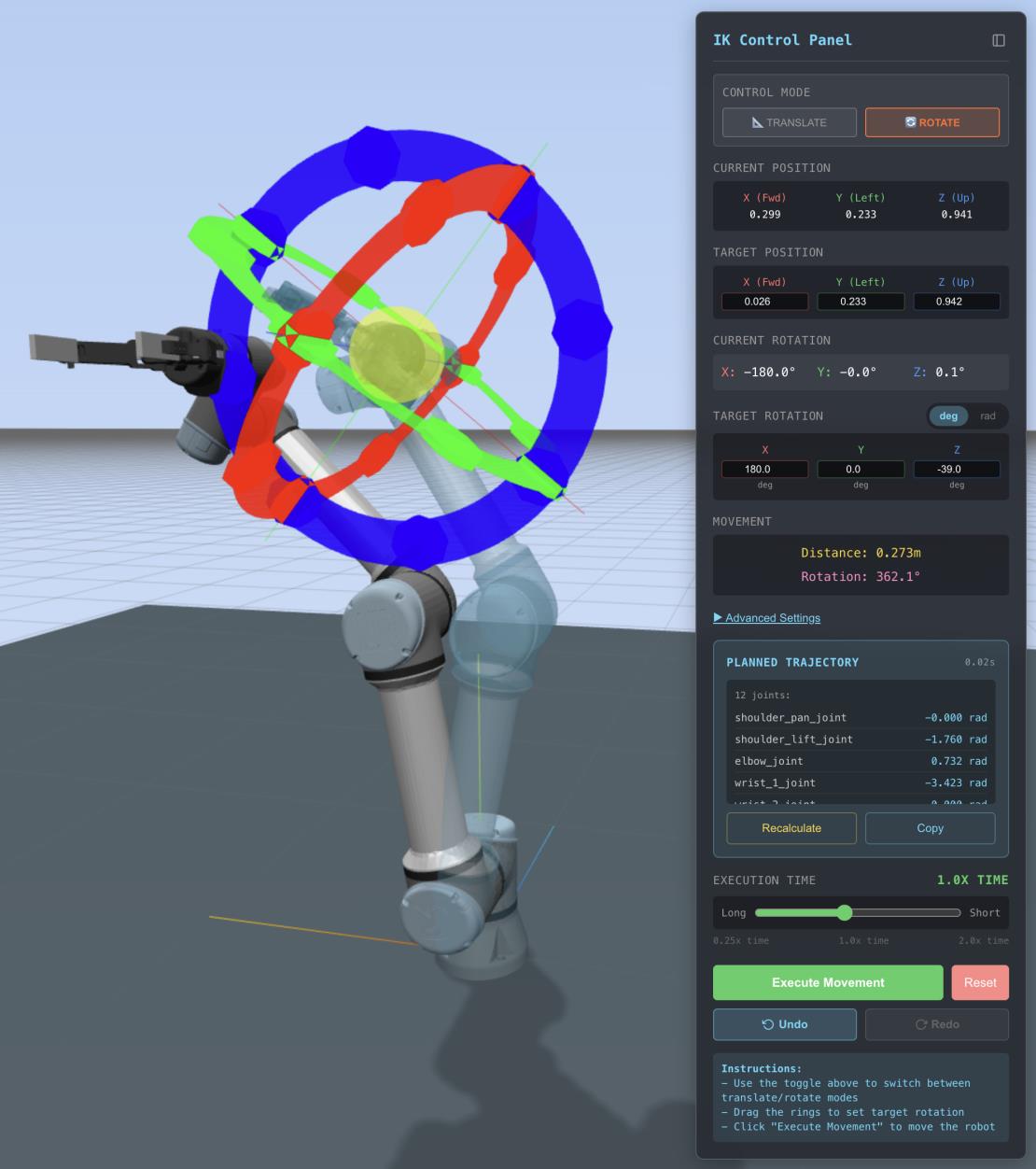
- To manipulate the arm, open the IK control panel in the visualizer and click Enable IK Control.
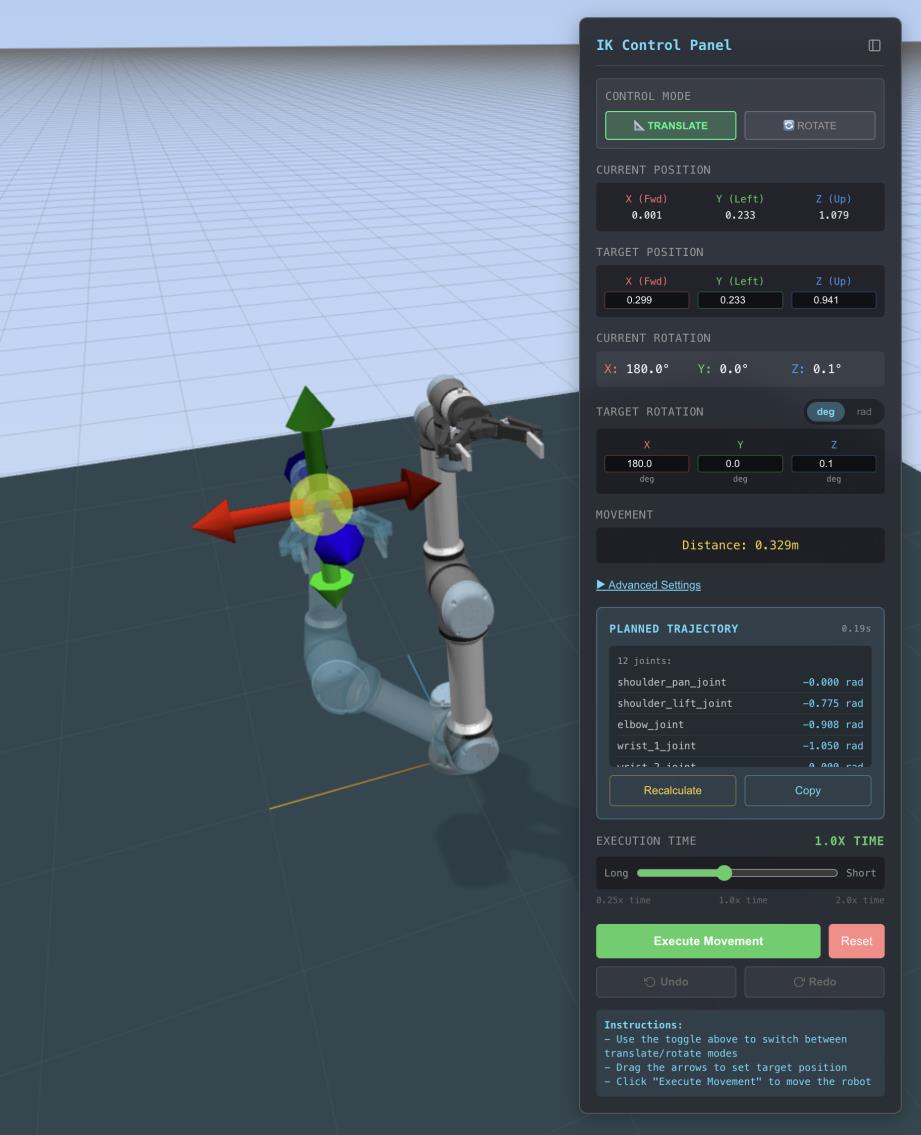
- With IK enabled, manipulation handles appear on the arm. Click and drag the arrows to move the arm. A shadow shows the target pose.
-
To change the pose, click Recalculate in the Planned trajectory panel. When the arm is in the desired position, click Enable Movement in the IK control panel to move the arm there.
-
To adjust the end effector orientation, switch the control mode at the top of the IK control panel from Translate to Rotate.
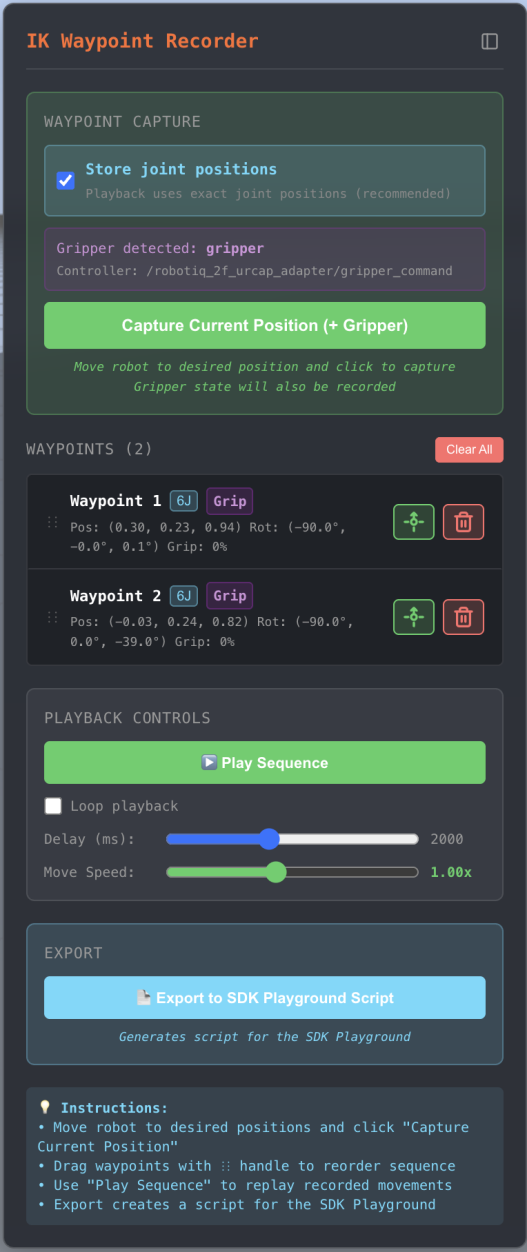
- To record a position, open the IK Waypoint recorder panel. Click Capture Current Position (+gripper) to record the current arm state.
-
Recorded positions appear in a list in the panel. Use the trash icon to delete one, or drag to reorder. Click the small green icon to move the arm to that recorded position.
-
With several positions recorded, click Play Sequence to run the arm through each position. Enable Loop to repeat until you press Stop.
-
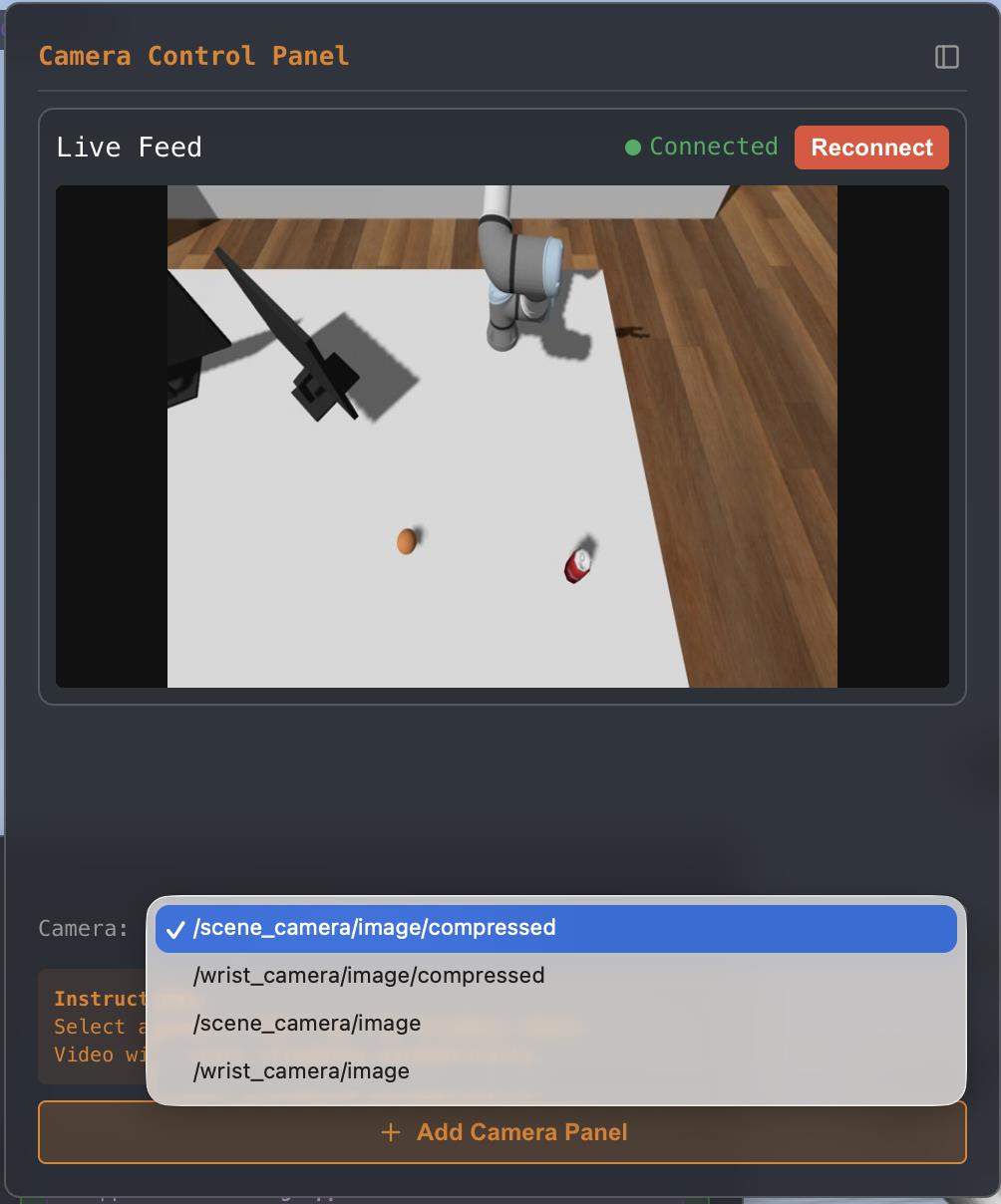
If you enabled cameras in the simulation, open the Camera Control panel to view feeds. Use the dropdown to choose which camera (e.g. scene or wrist). Click + Add Camera Panel to view multiple cameras at once.