
Tutorials
The OLO Visualizer Introduction
No-code interface for robot control and manipulation.
The OLO Visualizer is a no-code interface that provides robot control and manipulation capabilities.
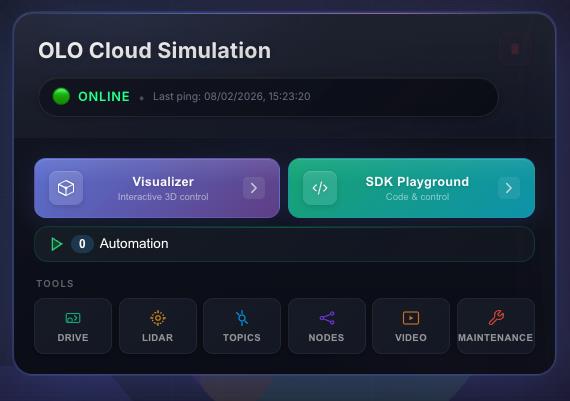
Depending on which robot you have connected, the icons on the right-hand side open panels that give access to different robot controls:
| Icon | Panel | Description | |
|---|---|---|---|
 | Pulse | Motion Status | Robot status and options to turn on connected sensors (e.g. LiDAR, GPS for mobile robots). |
 | Light | View and Lighting | Camera view and zoom, lighting, floor style. Pin the camera to follow the robot. Save panel layouts. |
 | Arrow | Nav2 Control | Start and manage the Nav2 engine. Record waypoints for playback. |
 | Camera | Camera Control | Live camera feed from the robot. |
 | Direction | Teleoperation Control | Control robot movement and linear speed. |
 | Sliders | Joint Control | Manipulate individual robot joints. |
 | Film camera | Video Recording | Activate video recording with duration and quality options. |
 | Robot arm | Inverse Kinematics | Activate Inverse Kinematics (IK). |
 | Location | Waypoint recorder | Record robot position and motion for playback. |
Use these panels to drive the robot, adjust the view, record waypoints, and work with cameras and IK without writing code.